



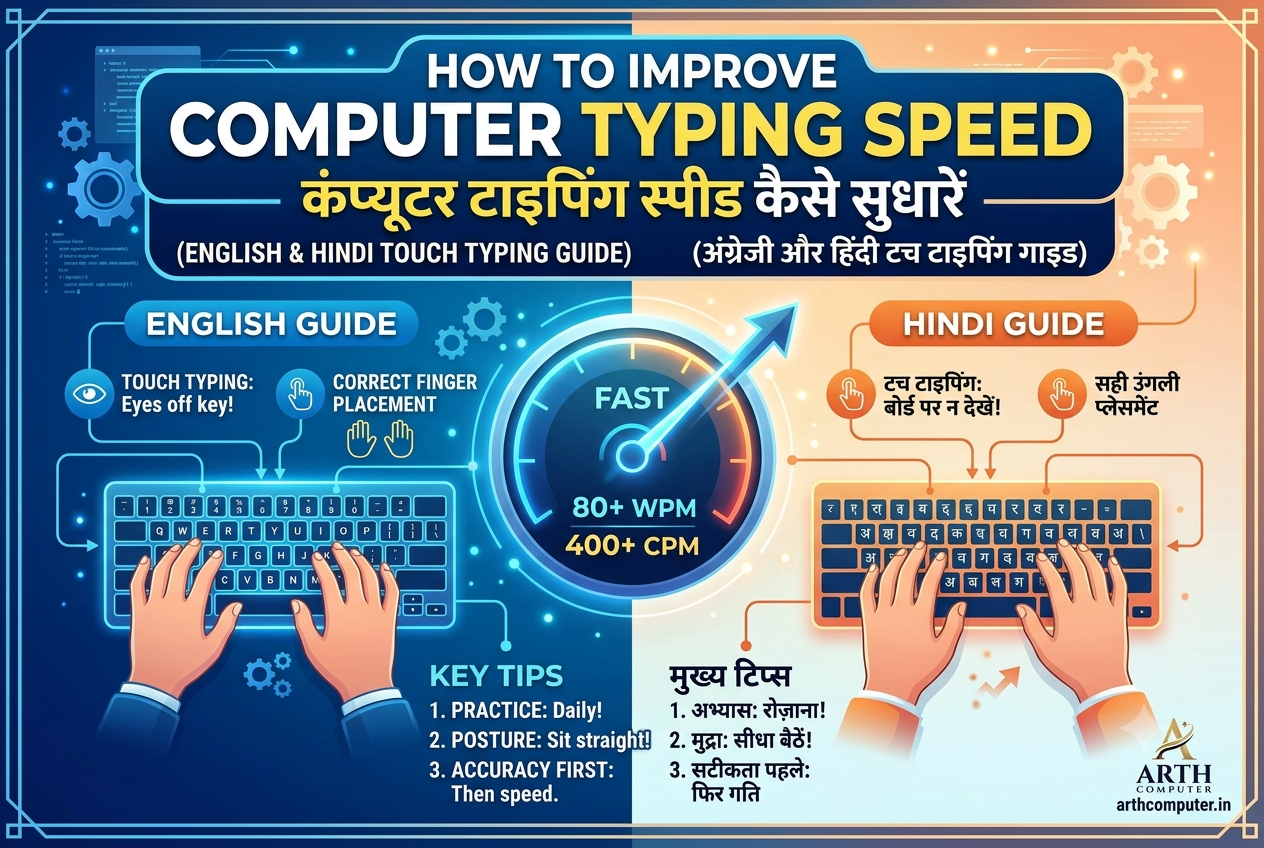
Fast and accurate typing (35+ Words Per Minute) is essential for administrative clerks, data entry officers, court stenographers, and IT professionals. Touch typing allows you to type without looking at the keyboard hardware.
1. Finger Placement on Home Row Keys
The foundational principle of touch typing is resting your fingers on the Home Row:
- Left Hand: A (Little), S (Ring), D (Middle), F (Index).
- Right Hand: J (Index), K (Middle), L (Ring), ; (Little).
- Thumbs: Rest gently on the Spacebar.
Notice the small tactile raised bumps on the F and J keys to help position your index fingers without looking down.
2. Rules for Speed Acceleration
- Prioritize Accuracy Over Speed: Focus on typing correct characters. Speed naturally follows accuracy.
- Do Not Look at the Keyboard: Train your fingers using spatial memory.
- Daily 20-Minute Routine: Practice consistently on structured platforms like Keybr.com or Typing.com.
3. Hindi Typing Guidelines (Kruti Dev vs Mangal Remington/Inscript)
| Hindi Font / Layout | Usage & Exam Standard |
|---|---|
| Kruti Dev (Legacy non-Unicode) | Widely used in private state offices and older government print departments across Bihar & Jharkhand. |
| Mangal Font (Unicode Inscript/Remington) | Mandatory standard for Central Govt exams (SSC, High Court, Railway, CPCT). Works natively on modern websites. |
Enroll in the Computer Typing & Practical Lab Course at Arth Computer Institute for dedicated speed assessment and exam coaching.